Launch price · save EUR 10

FlexGrooveAudio

Groove and timing manipulation for warped audio clips in Ableton Live

FlexGrooveAudio reshapes the groove of any warped audio clip in Ableton Live — drums, loops, vocals, full mixes — by moving the clip's Warp Markers along a timing curve you draw. No manual re-warping.

EUR 25 EUR 35 Launch Price
Get FlexGrooveAudio   
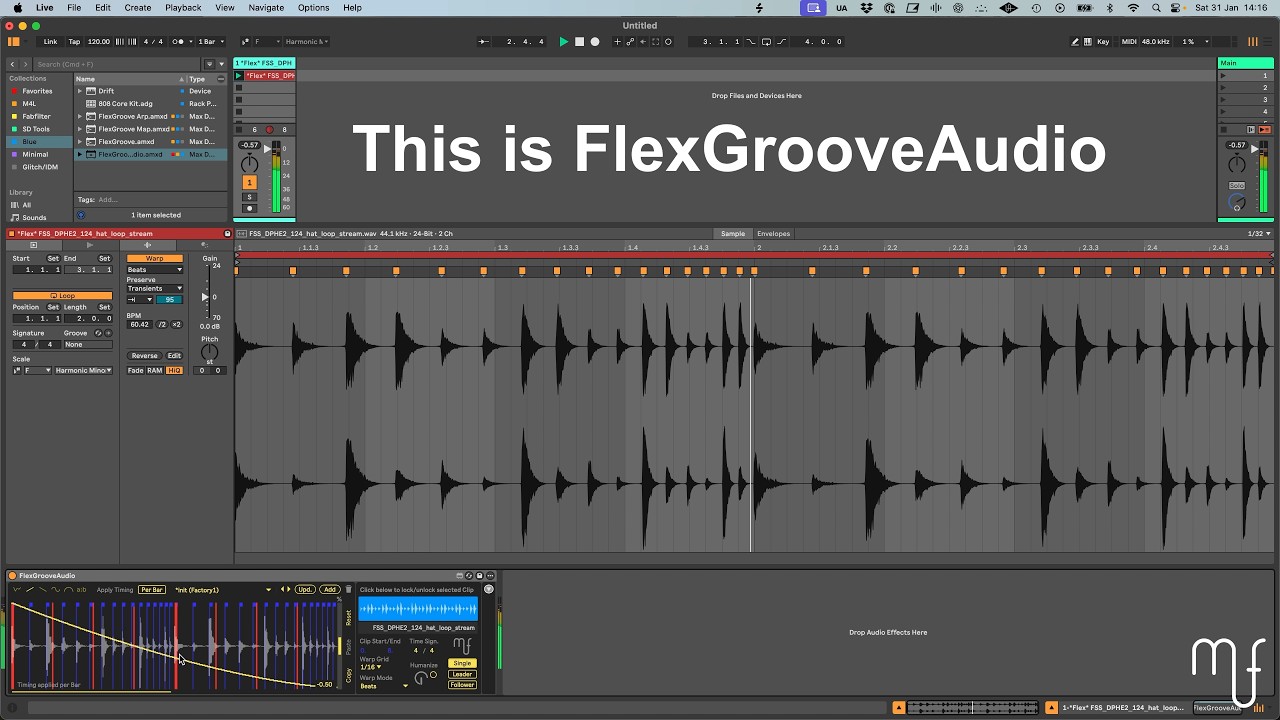
FlexGrooveAudio in Ableton Live showing the device connected to a warped audio clip with Warp Markers

Timing Curve Control

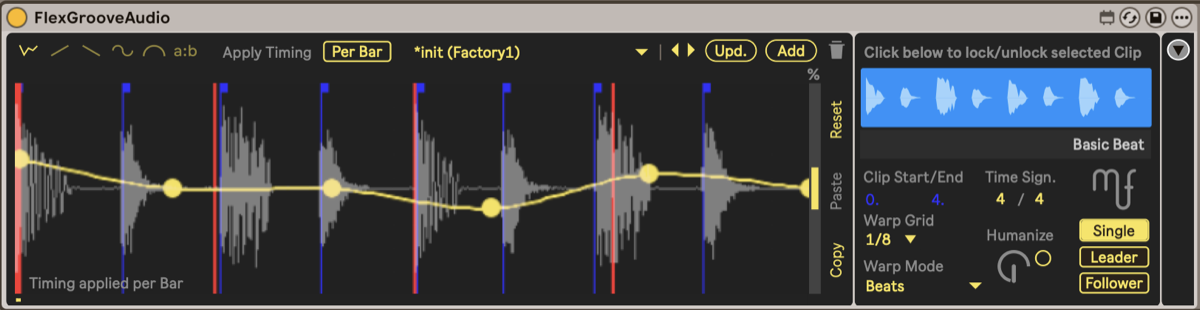
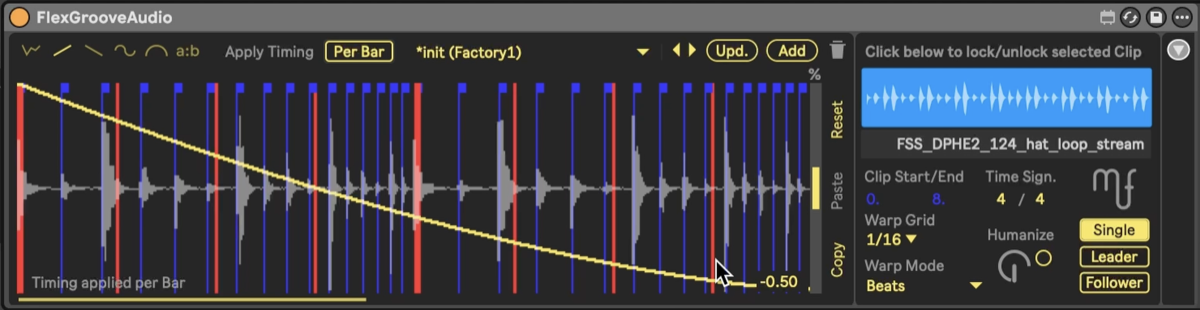
Draw a continuous timing curve and the device moves Ableton's Warp Markers to match — pulling each hit earlier or later across the clip. No manual re-warping.

Most Flexible Swing

Live's swing only shifts every other note. FlexGrooveAudio applies swing across up to 16 steps — ternary feels, J Dilla-style multi-note swing, and patterns Live can't reach.

Push Integration

Adjust the main parameters from Ableton Push — shape the groove on the hardware without reaching for the mouse.

All features

Humanize

Add controlled random timing variation — dial in the amount to loosen quantized or tightly edited loops.

Leader / Follower System

Link to FlexGroove so a single timing curve drives MIDI and audio tracks at the same time.

Timing Presets

Start from built-in timing curves, or save and recall your own to reuse a groove across tracks.

Swing Presets

A library of swing patterns ready to drop in, beyond Live's single swing control.

Works With Any Audio

Any warped clip works — drums, percussion, bass, vocals, or a full mix.

FlexGrooveAudio Walkthrough

Try the timing curve yourself

Drag the curve points to shift the timing of a pattern. This is the same core principle FlexGrooveAudio applies to your warped audio clips.

The curve shifts when each note plays — push the points up or down to move events earlier or later. When all points are centered, the pattern plays on a straight grid. FlexGrooveAudio brings this exact concept to warped audio — drums, loops, vocals, even full mixes — using Ableton's Warp Markers.

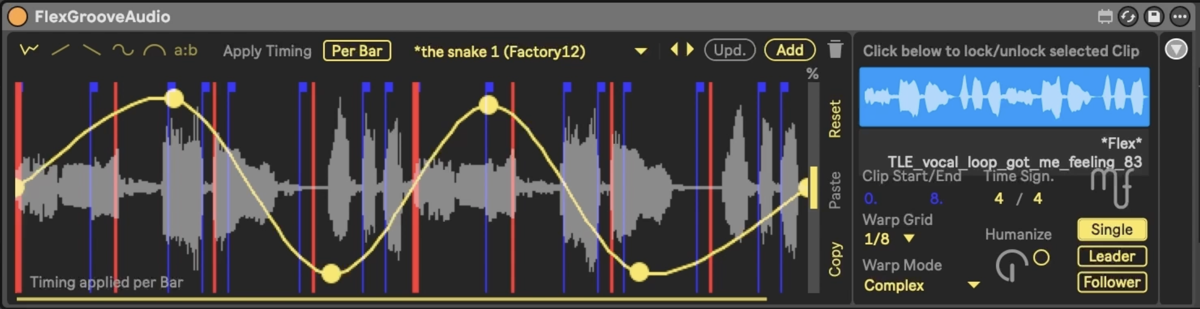
In use - hi-hats, drums, synth, vocals

Requirements

Ableton Live 11.3.2 or later Suite, or Standard with Max for Live
Max for Live 8.5.4 or later Included in Suite
Platform macOS or Windows

FAQ

Does it work with Ableton Live 11?

Yes. FlexGrooveAudio requires Ableton Live 11.3.2 or later and Max 8.5.4 or later.

Do I need Suite?

You need either Suite (which includes Max for Live) or Standard with the Max for Live add-on.

What's the difference between FlexGroove and FlexGrooveAudio?

FlexGroove shifts the timing of MIDI notes; FlexGrooveAudio moves the Warp Markers of audio clips. They cover MIDI and audio respectively, and can be linked through the Leader/Follower system. See FlexGroove.

More questions
Can I use it together with FlexGroove?

Yes. The built-in Leader/Follower system links FlexGrooveAudio to FlexGroove, so one timing curve drives MIDI and audio tracks at the same time.

What audio formats does it work with?

Any warped audio clip in Ableton Live — WAV, AIFF, MP3, FLAC, or any format Ableton supports.

How do I get updates?

Updates are delivered through Gumroad. You'll receive an email when a new version is available, and can download it from your Gumroad library at any time.

Can I get a refund?

Purchases are processed by Gumroad. You can request a refund directly through your Gumroad account. If you experience any issues, please contact support@mvfdevices.com.

EUR 25 EUR 35 Launch Price
Get FlexGrooveAudio